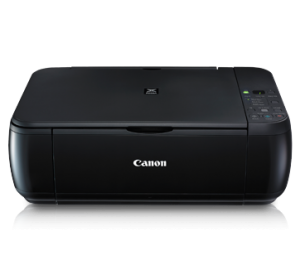
Canon iP 2770 still uses USB 2.0 for connectivity to a computer and use the ink cartridge PG-810 and CL-811, or can use the ink cartridge PG-810XL and CL811XL. Often Printer Canon iP2770, MP258, MP 287, MP237 has an error and needs to be reset using software resetter, example shows the error error code 5B00 and flashing LED lights in the POWER and RESUME button alternately.
The mean error indicates that the waste ink is Almost Full and need to reset the printer so that the printer can be used again. In addition to using the manual reset on Canon Printer, There should also be reset using the Application Resetter Printer Canon / Canon Resetter Program.
Canon Printer Resetter program already exists with the latest version, Software Resetter Printer Canon already has the latest version of the Service Tool v3400. Recent Service Tool can be used for the Printer CANON iP2770, CANON MP258, MP287 CANON and CANON MG2570.
Canon Printer Resetter latest software can solve the problem On Canon Printers like:
- Error 5B00 on Canon iP 2770 Printer.
- Error 5200 on Canon iP 2770 Printer.
- Error E07 on the printer Canon MP 258.
Download Service Tool v3400 For Canon iP2770, MP258, MP287, MP237 and MG2570 Printer